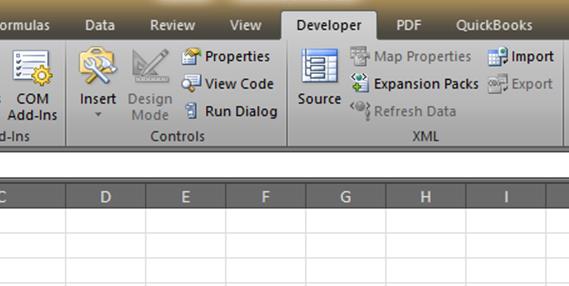
How to turn on the Developer tab in Excel
By now I'm guessing you've read some instructions that have asked you to click the Developer tab in Excel. But, you don't see it right? You need to turn on the Developer tab in Excel. Here are the few simple steps to enable the tab. There are steps for both Excel 2007 and 2010. Microsoft moved the option around a bit between versions. Steps to turn on the developer tab in Excel 2007 Click the Office Start button, then click Excel Options. Click on the Popular section in the left navigation, and then click the checkbox for Show Developer tab in the Ribbon. Click OK. The above will show the developer tab in Excel 2007 for you. Steps to turn on the developer tab in Excel 2010 Click File, then…